LinkedIn Profile Audit Checklist for B2B Founders
Use this LinkedIn profile audit checklist to review your headline, About section, credibility signals, content direction, and conversion gaps before you lose another warm lead.
On this page
Why Most LinkedIn Profiles Quietly Cost Founders Clients
Your LinkedIn profile is not just an online CV. For B2B founders, it is a live sales asset that either builds trust the moment someone lands on it, or quietly leaks opportunity every time a warm lead checks you out and moves on.
The problem is that most founders never audit their profile. They set it up once, update the job title when things change, and assume the rest is fine.
It is usually not fine.
This checklist is designed to help you identify exactly what is weakening your profile and what to fix first so that visitors understand what you do, trust that you can help them, and feel confident reaching out.
The LinkedIn Profile Audit Checklist
1. Profile Photo and Banner
- Is your photo recent, professional, and clearly shows your face?
- Is the background of your photo clean and not distracting?
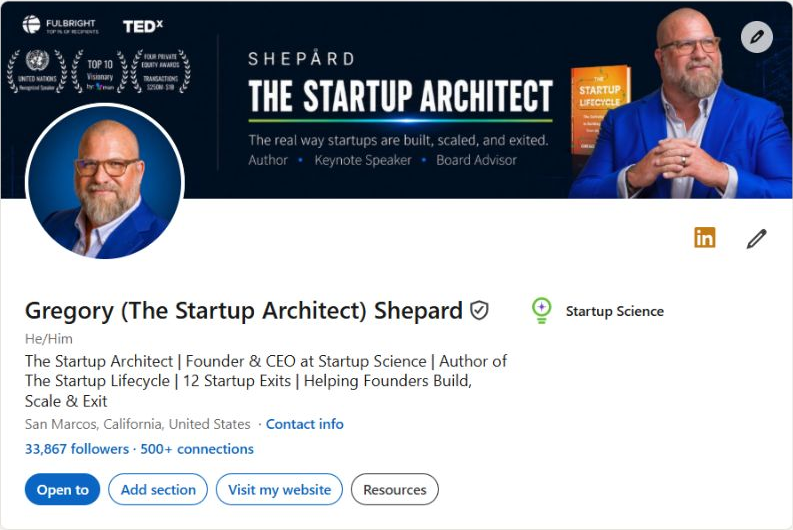
- Does your banner image reinforce what you do or who you serve?
- Is your banner branded, or is it still the default LinkedIn grey?
Most founders underestimate the banner. It is the first visual a visitor sees. If it is blank or generic, it signals that your brand presence is an afterthought.
2. Headline
- Does your headline go beyond your job title?
- Does it communicate who you help and what outcome you create?
- Would your ideal client immediately understand what you do from the headline alone?
- Does it include any relevant keywords for searchability?
A weak headline sounds like: CEO at CompanyName
A strong headline sounds like: I help B2B consultants build a LinkedIn presence that generates inbound calls without paid ads
If your headline is just your job title, you are leaving a major trust-building opportunity unused.
3. About Section
- Does your About section open with something that speaks directly to your ideal client?
- Does it explain who you help, what problem you solve, and what outcome clients achieve?
- Does it include a clear call to action at the end?
- Is it written in first person and does it sound like a real human wrote it?
- Does it avoid long blocks of text that are hard to scan?
The About section is where most profiles fall completely flat. Founders either write a company bio that sounds corporate and stiff, or they write a life story that has nothing to do with what a potential client actually cares about.
Your About section is not about you. It is about what you can do for the person reading it.
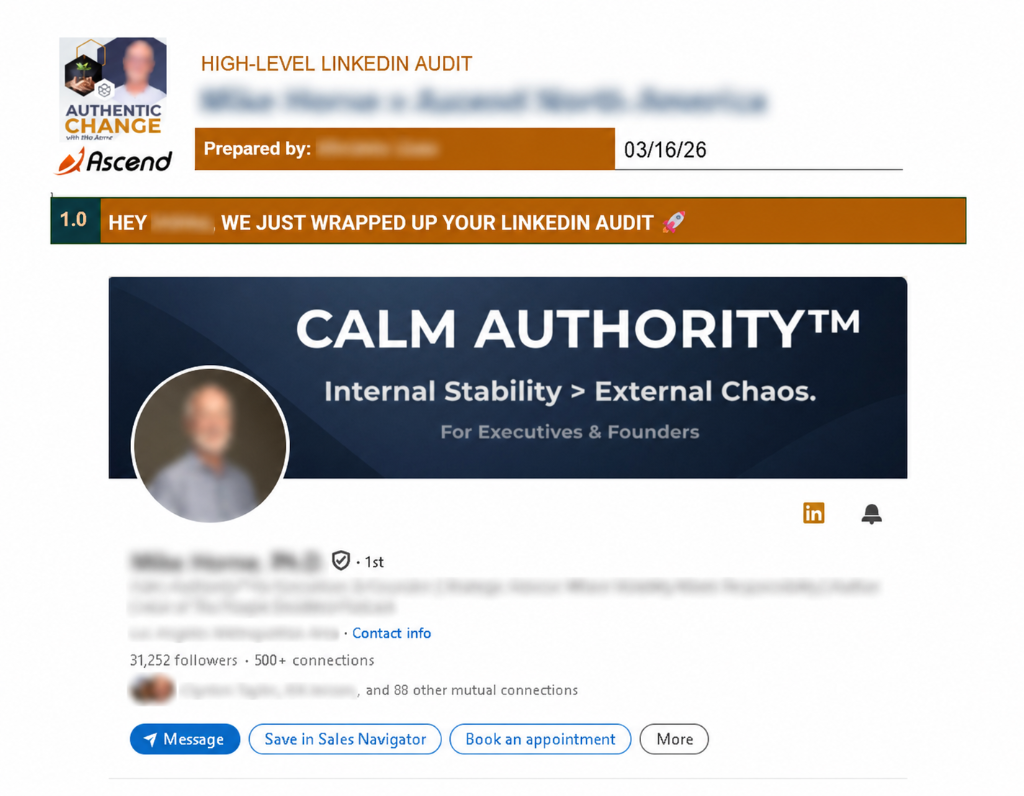
Want to know exactly what is weakening your LinkedIn profile? Get a free personalized LinkedIn audit and receive specific feedback on your headline, About section, credibility signals, and conversion gaps. Claim My Free LinkedIn Audit →
4. Featured Section
- Have you activated the Featured section?
- Does it showcase at least one result, testimonial, case study, or service?
- Are the thumbnails clean and visually appealing?
The Featured section is one of the most underused parts of a LinkedIn profile. It sits right below the About section and gives you a chance to show proof before a visitor even scrolls down.
Use it for a client testimonial screenshot, a strong post, a link to your audit page, or a relevant article.
5. Experience Section
- Does each role explain what you actually did and what results you drove?
- Are there client-facing outcomes or metrics anywhere in the experience?
- Does the most recent role clearly align with what you are doing now?
Bullet points that say Responsible for managing client accounts tell a visitor nothing. Rewrite them to say what happened because of your work.
6. Credibility Signals
- Do you have at least five recommendations visible on your profile?
- Are those recommendations from relevant clients, colleagues, or partners?
- Do you have skills that match your actual expertise?
- Have colleagues endorsed the skills that matter most to your positioning?
Recommendations are the most underrated trust signal on LinkedIn. One strong, specific recommendation from a real client does more for your credibility than three connection requests from strangers ever will.
7. Content Activity
- Have you posted in the past 30 days?
- Do your recent posts reflect your positioning and expertise?
- Would your ideal client find your content relevant and useful?
If someone lands on your profile and sees your last post was from eight months ago, it sends a quiet signal that you are not active or engaged. You do not need to post every day. But visibility matters.
Related: LinkedIn Content Strategy for Busy Founders
8. Conversion Points
- Is there a clear way for a visitor to take the next step from your profile?
- Is there a link in your About section or Featured section that leads somewhere?
- Is your contact information visible and up to date?
What to Fix First
If you are short on time, prioritize in this order:
- Headline — This is the first thing people read. If it does not immediately communicate value, people leave.
- About section — This is where trust is built or lost.
- Featured section — Add one strong proof point here.
- Recommendations — Reach out to two or three past clients and ask for a specific recommendation this week.
Use This Checklist Regularly
Your LinkedIn profile is a living document. As your positioning evolves, your offers change, and your results grow, your profile should reflect that.
Run through this checklist once per quarter to make sure your profile is still working as hard as it should be.
And if you want a faster, more specific read on what is actually hurting your profile, a free LinkedIn audit can give you personalized feedback in minutes.
Related: Why Your LinkedIn Profile Is Not Converting Visitors Into Calls
Make the profile, page and first campaign tell the same story.
If your audit points to a positioning problem across several materials, the Founder Positioning Project develops a shared message for the profile, offer page and introductory campaign. We agree the positioning, then I write the LinkedIn profile, one offer page, three posts and one email to introduce it.
You receive editable copy and a publishing sequence, with two consolidated review rounds. Pricing is bespoke; your proposal confirms the fee and delivery schedule. Development, publishing and ongoing management are scoped separately.

Rheanne Razo
Marketing strategist and consultant working on positioning, content, campaigns and marketing delivery for founders and growing teams.
Free profile resources
Get the LinkedIn Profile Checklist
Ten practical checks for a profile that builds trust and turns views into conversations.
No spam. Unsubscribe anytime.